

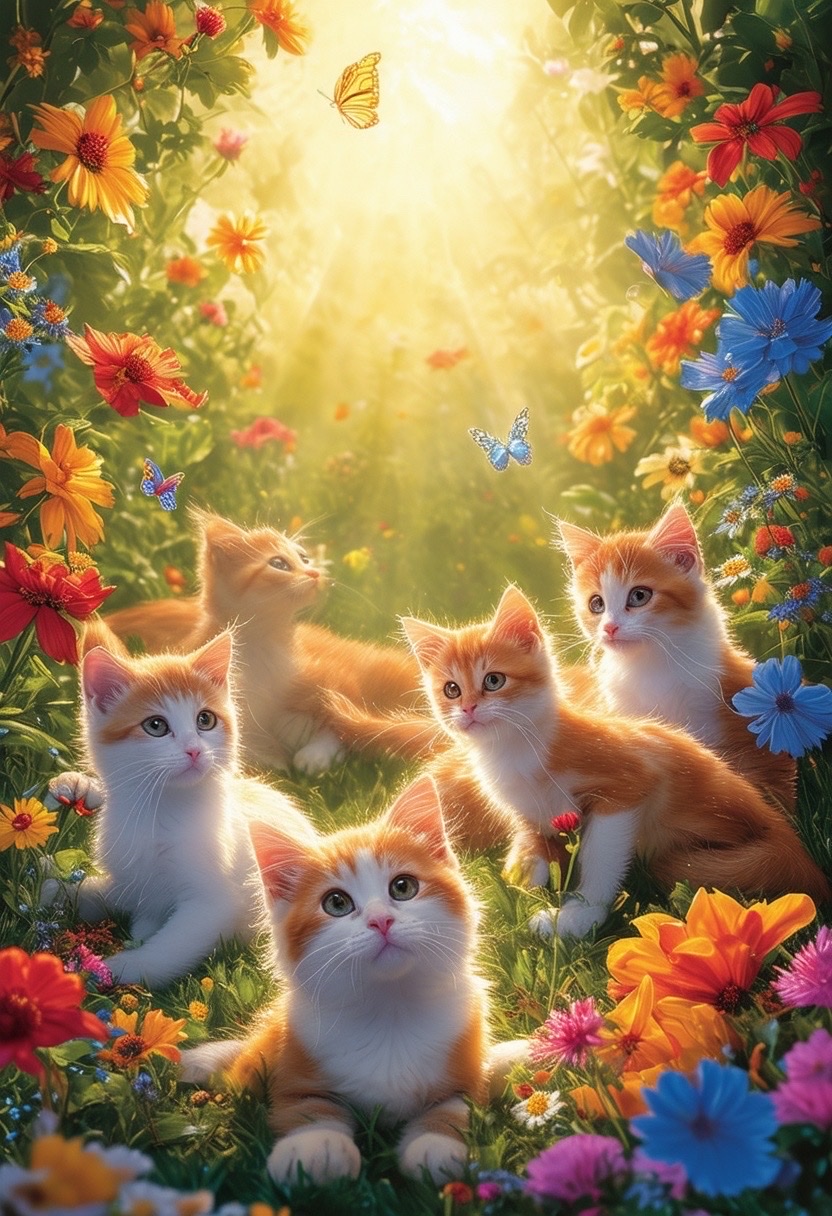
There is magic in the simple things. Cats, with their playful spirits, and gardens, bursting with colors, create a whimsical scene that captivates the heart. Imagine capturing these wondrous moments in vibrant images. This article guides you through crafting a scene where playful cats romp around colorful flowers and fluttering butterflies, basking in the soft, golden sunlight. The journey is as simple as describing your vision in a prompt. Here’s the starting point.
A whimsical scene of playful cats in a vibrant garden, surrounded by colorful flowers and butterflies, basking in soft, golden sunlight. The cats exhibit various poses, from lounging to chasing, creating a lively atmosphere. Shot with a 35mm lens from a low angle to capture their expressions and the lush surroundings. Style: vibrant, whimsical, ethereal. (soft light:1.2), (vivid colors:1.3), (playful:1.1).
The Art of Prompt Crafting for AI-Generated Images
To create a vivid, whimsical image with generative AI, crafting a detailed prompt is crucial. Each element of your scene is a brushstroke painting the final picture.
Define the Scene
Start by outlining the main elements of your scene. In our example, playful cats and a vibrant garden take center stage. Clearly specify the setting, the actors (in this case, the cats), and any additional components you want to include, like flowers and butterflies.
Focus on Details
Details enhance your prompt. Mention the poses you imagine the cats in, the type of flowers, and how you want the sunlight to filter through the scene. These details help the AI capture your creative vision accurately.
Play with Styles and Mood
Descriptive terms, such as “vibrant,” “whimsical,” and “ethereal,” set the mood. They guide the AI to apply styles and effects that match your creative aims. Adding parameters like “(soft light:1.2)” helps tweak the image’s moodiness and lighting.
Technical Tips for Enhanced Imagery
Here are some technical tips to refine your AI-generated images:
- Use Descriptive Phrases: Employ words that evoke strong imagery. Instead of “beautiful garden,” opt for “a garden sparkling with crimson roses and emerald ferns.”
- Experiment with Angles: Mention angles like “a low angle” to manipulate perspective and bring a fresh view of the scene.
- Color and Light Adjustments: Specify preferences for vivid colors and light conditions that best enhance the mood of your scene.
Conclusion
Crafting a perfect AI-generated image from a text prompt requires creativity and clarity. By focusing on detailed descriptions, experimenting with styles, and refining technical elements, you can capture the whimsical magic of life’s playful moments, like cats in a sunlit garden.
Join the Conversation
We invite you to share your own prompts and experiences with AI-generated art. How did you turn your visions into vibrant images? Engage with our community for more inspiration and tips. Leave a comment below or join us on our social platforms. Your creativity could inspire others to capture the magic of their own whimsical scenes.
Prompt:
a whimsical scene of playful cats in a vibrant garden, surrounded by colorful flowers and butterflies, basking in soft, golden sunlight. the cats exhibit various poses, from lounging to chasing, creating a lively atmosphere. shot with a 35mm lens from a low angle to capture their expressions and the lush surroundings. style: vibrant, whimsical, ethereal. (soft light:1.2), (vivid colors:1.3), (playful:1.1).
Discover the AI Genie app and test this prompt for free without typing! Simply download it from the App Store and begin exploring. Plus, it includes a handy chatGPT prompt generator to assist you in crafting your prompts.